
 PrimeAI: Your AI Statistics Assistant
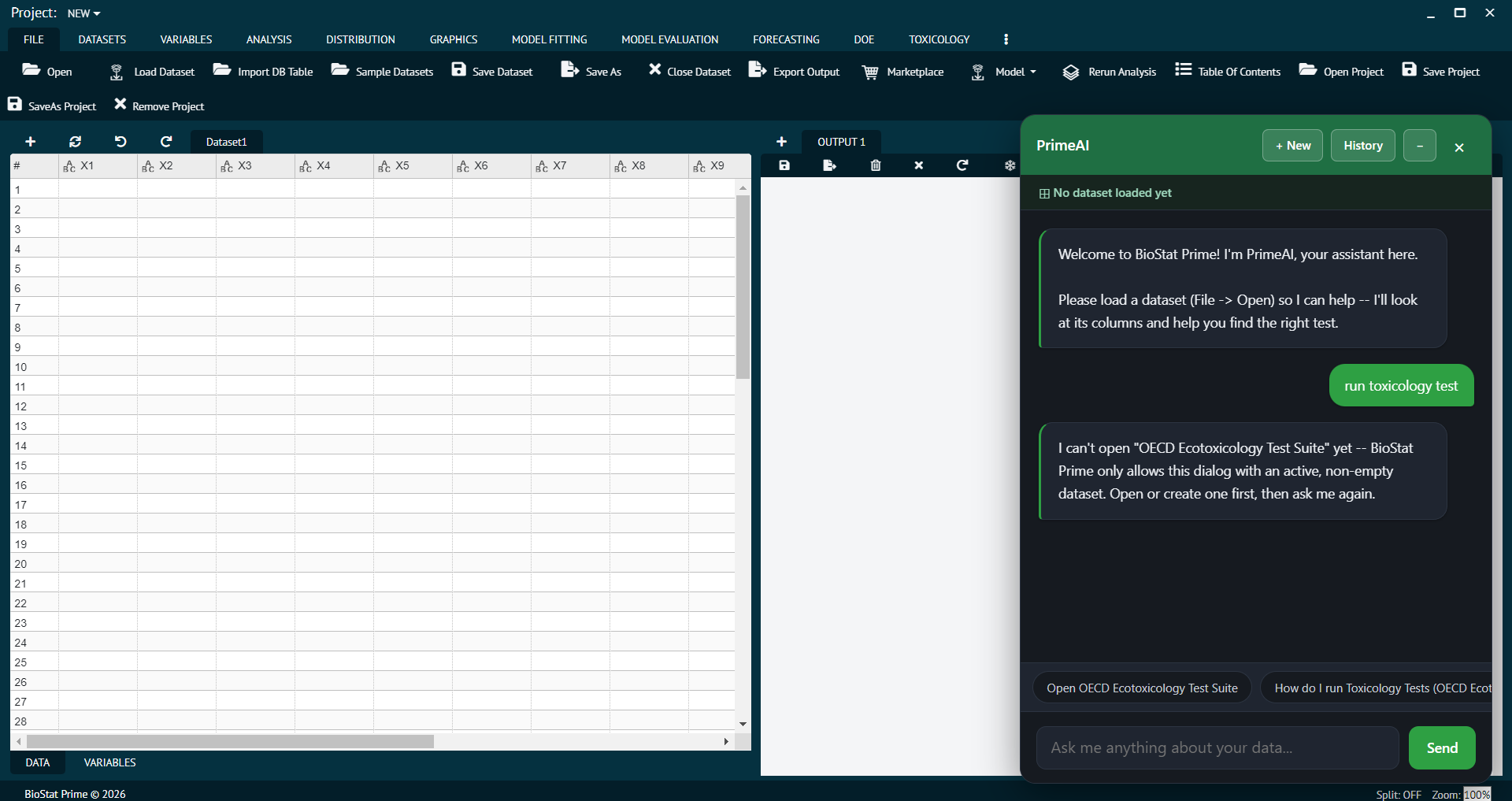
PrimeAI is a built-in assistant that takes requests in everyday language. When you ask for a test, it opens the matching BioStat Prime dialog and suggests which of your columns goes in each field. You check the fields and click Run. Your results come from BioStat Prime's statistics engine, not from PrimeAI.
What You Can Ask
Open a dialog: Ask for a test or chart by name, such as "run a one-way ANOVA" or "open a box plot." PrimeAI opens the dialog for any of BioStat Prime's 400+ menu dialogs.
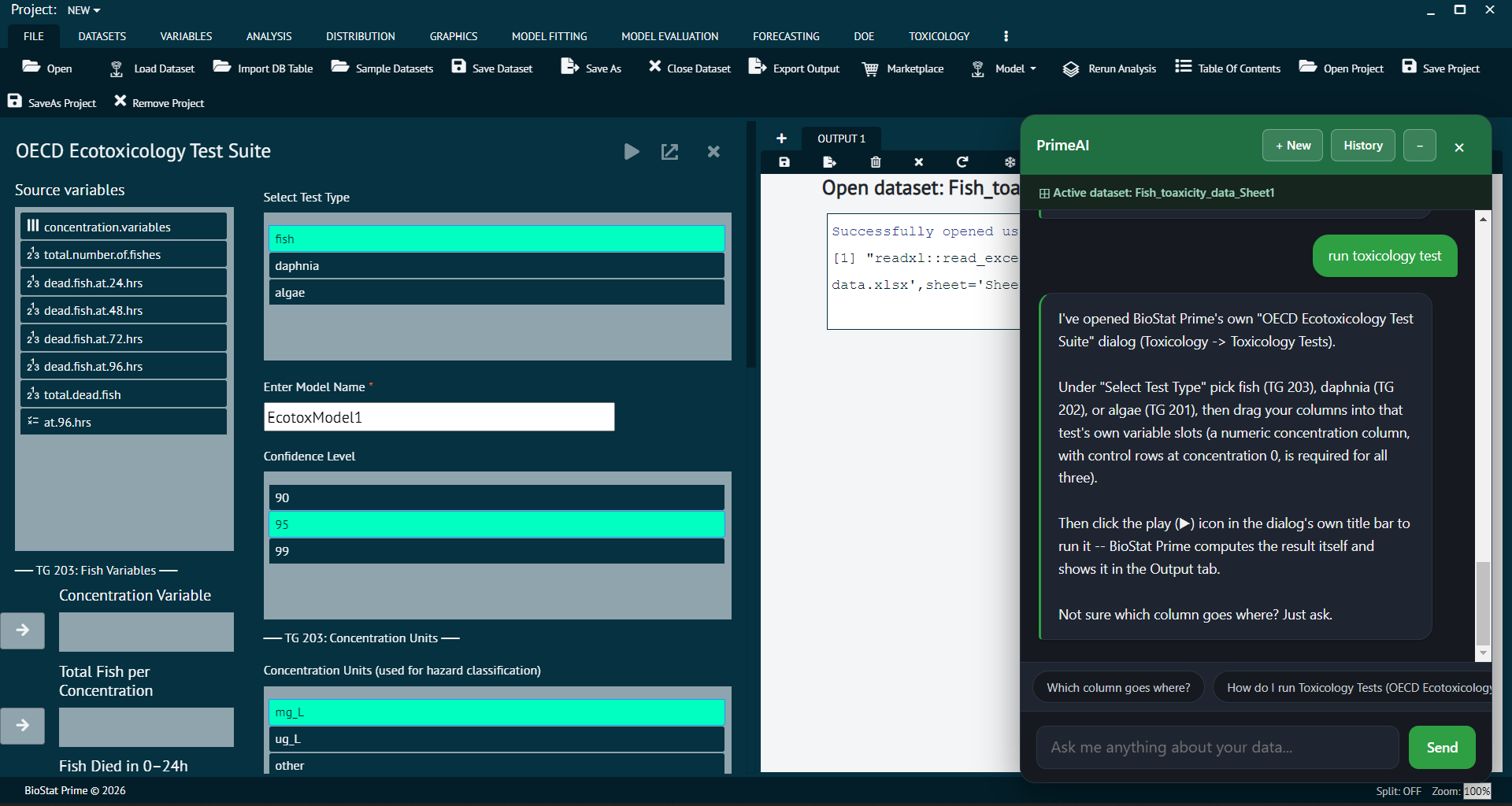
Get column guidance: PrimeAI names the fields in the dialog and suggests which column belongs in each.
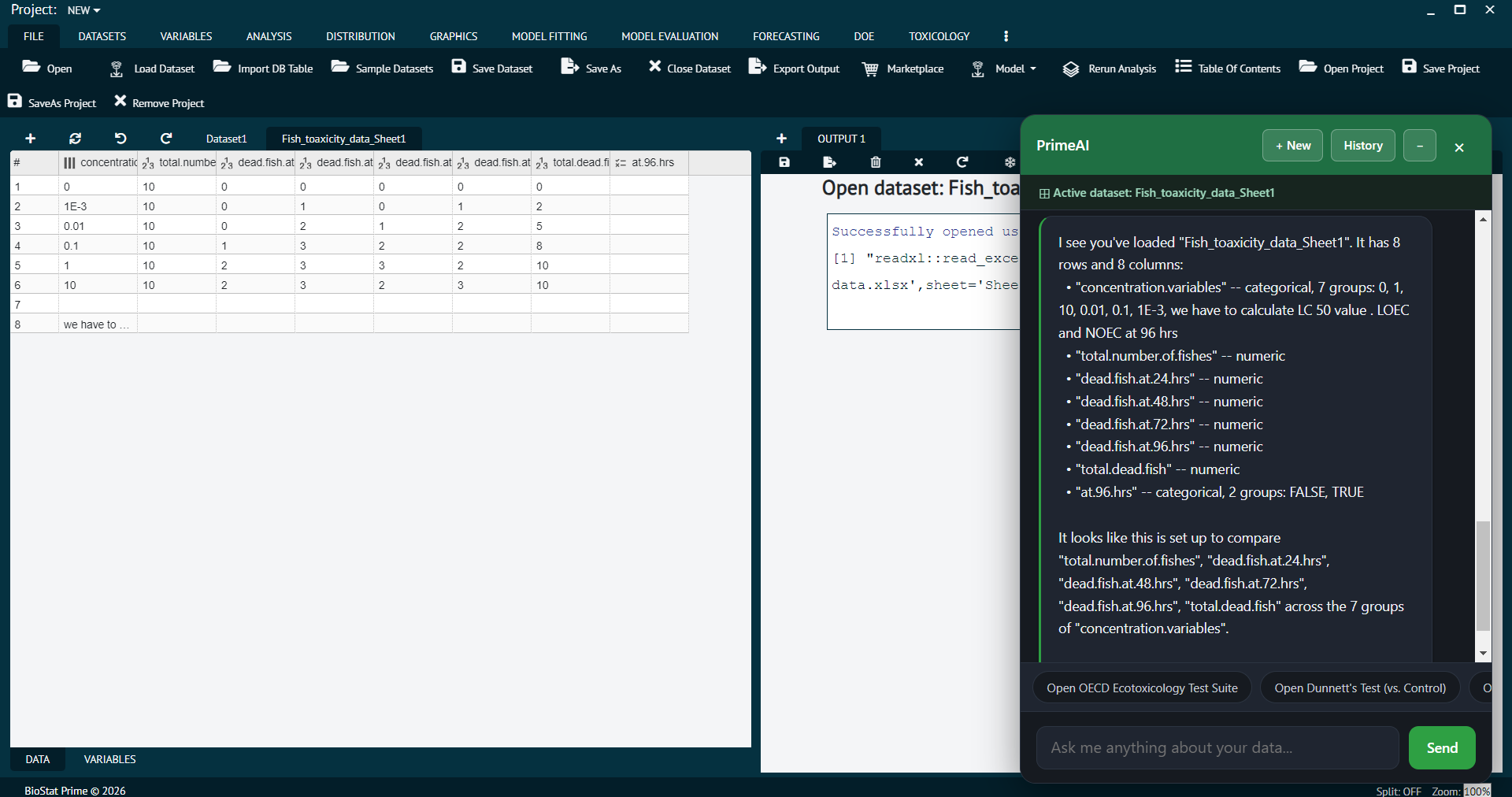
Find tests for your data: When you load a dataset, PrimeAI lists its columns and suggests tests that fit. You decide which to use.
Understand statistics: Ask what a p-value or confidence interval means and get a plain-language explanation.
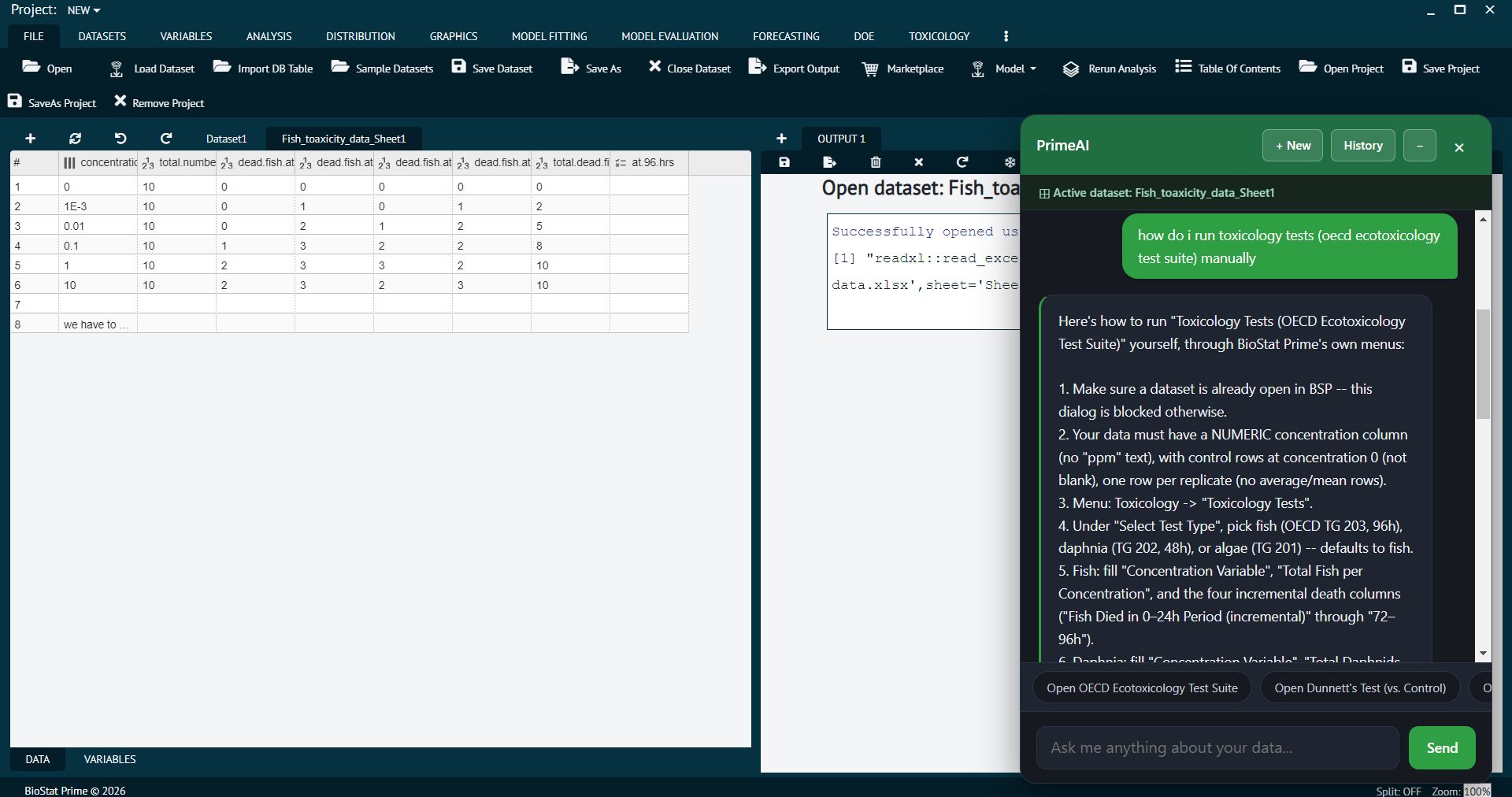
Get how-to help: Ask how to do something in BioStat Prime, such as merging two datasets, and PrimeAI gives menu steps from the product's offline help. Steps it can't confirm are marked "Check before using."
Get toxicology help: PrimeAI opens Toxicology menu dialogs, such as Dunnett's test with a control group, and answers questions about
 ToxCore.
Plan a study: PrimeAI opens the sample size and power calculators, which don't need a dataset.
Privacy
PrimeAI's AI model runs on your own Windows PC. After a one-time download of about 1 GB, it works without an internet connection. Your data, questions and results stay on your computer. PrimeAI checks for updates when you're online.
Chat History
Saving chats between sessions is off by default. If you turn it on, you can rename, archive or delete any chat, or tell PrimeAI to forget everything.
Getting Started
Open BioStat Prime and click the green
PrimeAI button in the bottom-right corner.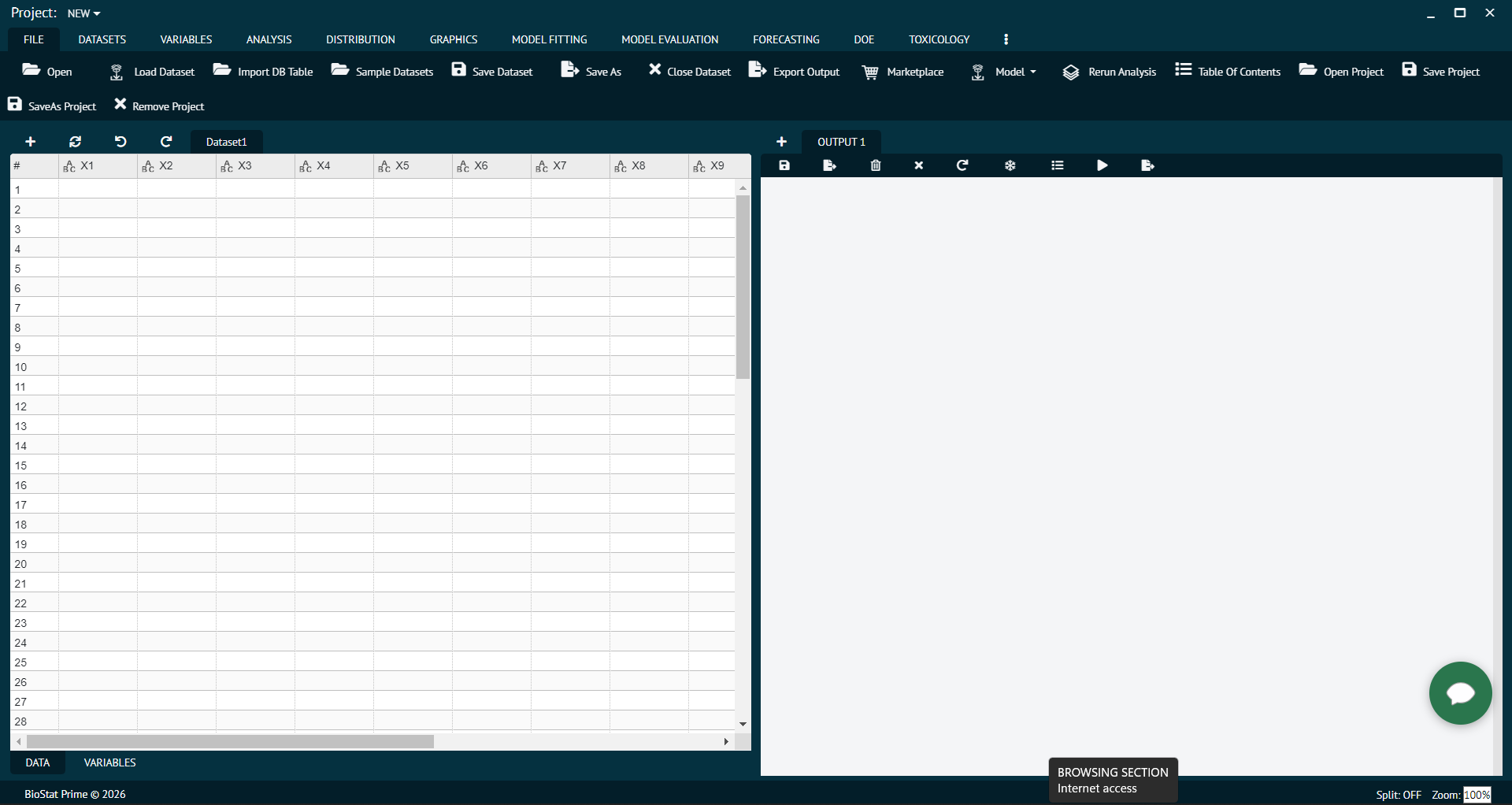
Click Download AI. This is a one-time download.
Load your data and ask for what you need.
Video Walkthroughs
Getting Started with PrimeAI
Video walkthrough coming soon.
Running a Toxicology Test with PrimeAI
Video walkthrough coming soon.
Running Anova Test with PrimeAI
Video walkthrough coming soon.